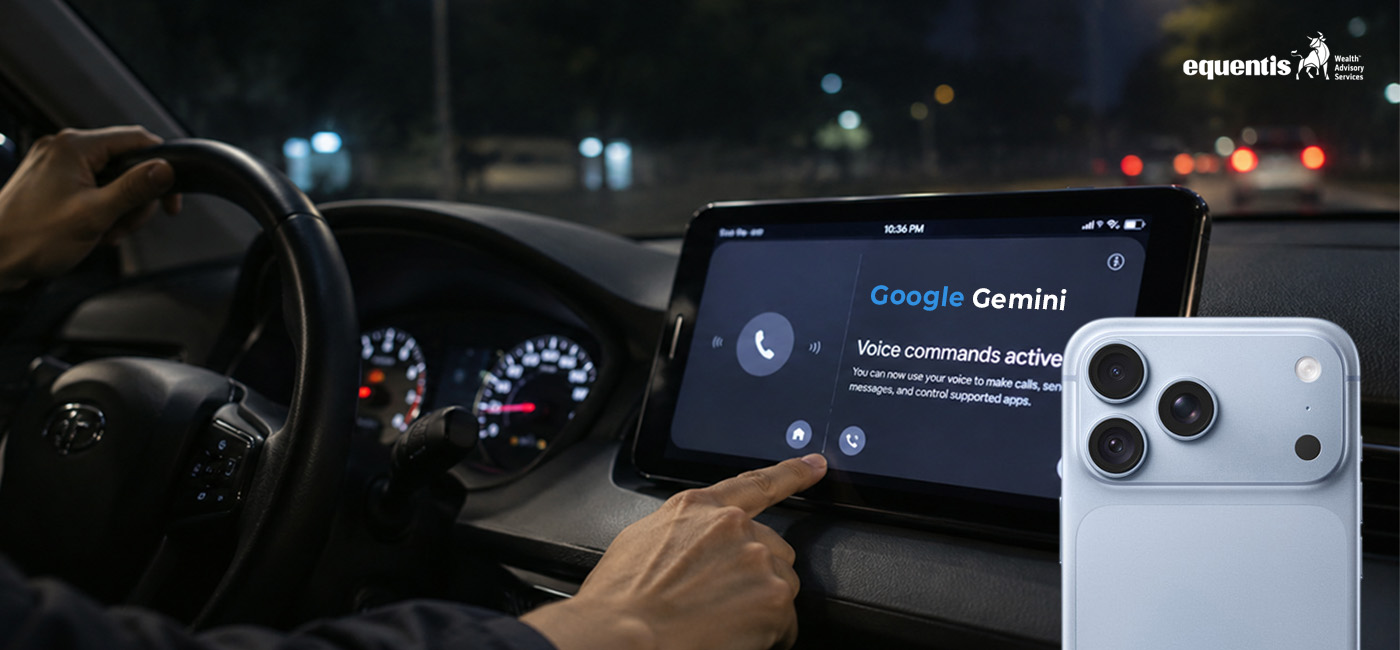

Google has started rolling out its Gemini AI assistant to Apple CarPlay, allowing iPhone users to have hands-free conversations with Gemini Live directly through their car’s infotainment screen. Announced on November 11, 2026, the update brings conversational AI to compatible vehicles, enabling drivers to check schedules, summarise emails, brainstorm ideas and ask follow-up questions without picking up their phones. The global rollout covers supported Gemini Live languages. blog.google+1
Google Gemini Comes to Apple CarPlay: What’s New?
The biggest change is that Gemini is now available as a dedicated app on Apple CarPlay, rather than being limited to selected features within Google Maps.
Previously, CarPlay users could access certain Gemini capabilities through Google Maps, including conversational assistance for navigation-related requests. The new integration brings the standalone Gemini experience and Gemini Live to the car’s dashboard.
Gemini Live allows users to speak naturally with the AI assistant. Instead of giving one command and waiting for a fixed response, drivers can interrupt the conversation, add details, ask follow-up questions or change the topic.
For example, someone travelling to work could ask Gemini about the day’s schedule and then follow up with questions about an upcoming meeting. The experience is designed to feel more like a conversation than a traditional voice command system. blog.google+1
What Can iPhone Users Do With Gemini on CarPlay?
1. Catch Up on Emails While Driving
One of the practical features is the ability to interact with Gmail through voice.
Users can ask Gemini to summarise unread emails, provide an overview of lengthy email threads or help them think through a reply.
For Indian professionals commuting between home and office, this could make travel time more useful. However, reading or composing lengthy messages should be handled when safely parked rather than while driving.
2. Check Meetings and Daily Schedules
Gemini can connect with Google Calendar and help users understand their upcoming appointments.
Drivers can ask questions such as:
- What does my schedule look like today?
- When is my next meeting?
- Help me prepare for an upcoming presentation.
- What should I prioritise before reaching the office?
Google’s Daily Brief feature can also provide a personalised overview of the day, although it needs to be enabled beforehand. blog.google+1
3. Brainstorm Ideas Using Gemini Live
Gemini on CarPlay is not restricted to productivity tasks.
Users can brainstorm ideas, practise presentations, rehearse conversations or ask Gemini to explain complicated subjects in simple language.
This conversational format makes it possible to explore a topic through follow-up questions rather than relying on a single answer.
4. Discover Nearby Places and Landmarks
Drivers can ask Gemini for recommendations around their destination, including places to eat or interesting landmarks.
For example, someone travelling through Mumbai could ask for suggestions for a quick lunch near their destination or information about a historical landmark.
The usefulness of these responses will depend on location information, connectivity and the accuracy of the assistant’s recommendations.
How to Use Gemini on Apple CarPlay
iPhone users can get started with Gemini on CarPlay by following a few simple steps.
Step 1: Update the Gemini app
Ensure the Gemini app on your iPhone is updated to its latest available version through the App Store.
Step 2: Enable microphone permissions
Allow Gemini to access your microphone so it can listen and respond to voice conversations.
Step 3: Use Gemini Live on your iPhone
Google requires users to have used Gemini Live on their iPhone at least once before accessing the experience through CarPlay.
Step 4: Connect your iPhone to CarPlay
Connect your iPhone to a compatible CarPlay system. Once the Gemini icon appears on the dashboard, tap it to begin a conversation or continue a recent chat.
The feature is rolling out globally, so some users may need to wait until the update reaches their devices. blog.google+1
What Does Gemini CarPlay Support Mean for Indian iPhone Users?
For Indian users, the update could be particularly relevant because daily commutes in cities such as Mumbai, Delhi, Bengaluru and Pune often involve considerable time behind the wheel.
The ability to check appointments, listen to email summaries or prepare for meetings through voice interactions could make commuting more productive.
The feature also offers another AI assistant option for iPhone owners who prefer Google’s ecosystem, particularly those already using Gmail, Google Calendar and other Google services.
However, the experience will depend on internet connectivity, language support and the availability of connected services. India’s multilingual environment makes supported Gemini Live languages an important consideration for users who prefer speaking in regional languages.
Gemini on CarPlay: Benefits and Safety Considerations
Benefits
- Hands-free access to conversational AI.
- Easier access to calendar information and email summaries.
- Ability to continue conversations from the iPhone.
- Useful brainstorming and learning during commutes.
- Integration with Google’s productivity services.
Risks and limitations
AI assistants can occasionally misunderstand questions or provide inaccurate information. Users should avoid relying on generated answers for critical driving decisions.
Even voice-based interactions can distract drivers, particularly in congested Indian traffic. Complex conversations, lengthy responses and email discussions may divert attention from the road.
The safest approach is to use simple voice requests, keep attention on traffic and stop in a safe location whenever a task requires concentration.
How Is Gemini on CarPlay Different From Siri?
Siri remains Apple’s built-in voice assistant, while Gemini provides Google’s conversational AI experience through a separate CarPlay app.
The key difference is Gemini Live’s ability to maintain a natural conversation, handle follow-up questions and support brainstorming.
For users who rely heavily on Google’s services, Gemini may offer a more convenient way to interact with their existing information. Siri continues to provide native Apple ecosystem functionality, including device and system controls.
The two assistants therefore serve different purposes rather than necessarily replacing one another. 9to5Mac+1
Conclusion
Google’s Gemini CarPlay rollout marks another step towards bringing conversational AI into everyday driving. iPhone users can now access Gemini Live directly from their vehicle’s dashboard, making it easier to check schedules, summarise emails and brainstorm ideas through voice conversations.
For Indian users, the feature offers practical possibilities during daily commutes and road trips. Its usefulness, however, will depend on connectivity, supported languages and responsible usage.
The bigger development is that AI assistants are gradually becoming part of the connected car experience, moving beyond smartphones and into the environments where people spend a significant amount of time.
Frequently Asked Questions
1. Can iPhone users use Google Gemini on Apple CarPlay?
Yes. Google is rolling out the standalone Gemini app to Apple CarPlay, allowing iPhone users to access Gemini Live through compatible car displays. The integration supports hands-free conversations, including follow-up questions and interruptions. Users need the latest Gemini app, microphone permissions and a previous Gemini Live session on their iPhone.
2. When did Google launch Gemini for Apple CarPlay?
Google announced Gemini support for Apple CarPlay on November 11, 2026. The global rollout began that day and covers Gemini users on iOS across supported Gemini Live languages. However, availability may vary during the rollout, so some users might not immediately see the Gemini app on their CarPlay dashboard.
3. How do I enable Gemini on Apple CarPlay?
Update the Gemini app on your iPhone, enable microphone permissions and use Gemini Live on your phone at least once. Then connect your iPhone to a compatible CarPlay system. When the Gemini icon appears on the dashboard, tap it to begin a new conversation or resume a recent chat.
4. What is Gemini Live on Apple CarPlay?
Gemini Live is Google’s conversational AI feature that allows users to speak naturally with Gemini and receive spoken responses. On CarPlay, users can interrupt the assistant, ask follow-up questions or change topics without restarting the conversation. It provides a more interactive experience than traditional voice commands.
5. Can Gemini on CarPlay read Gmail emails?
Gemini can help users catch up on unread Gmail messages and summarise lengthy email conversations using voice interactions. It can also help users think through replies. However, drivers should avoid composing or reviewing lengthy messages while moving and should park safely before handling tasks that require additional attention.
6. Can Gemini check Google Calendar on CarPlay?
Yes. Gemini can help users check upcoming appointments, understand their daily schedules and prepare for meetings through voice conversations. Google’s Daily Brief can provide a personalised overview of the day, but the feature must be enabled beforehand and certain personalisation features have eligibility restrictions.
7. Is Gemini on Apple CarPlay available in India?
Google announced a global rollout covering all Gemini users on iOS across supported Gemini Live languages. Indian iPhone users with compatible CarPlay systems can look for the Gemini app as the update becomes available. Actual availability depends on rollout progress, supported language settings and app compatibility.
8. Does Gemini on CarPlay require an internet connection?
Yes. Gemini is a cloud-based AI assistant, so most conversational functions require an internet connection. The quality of the experience depends on network connectivity and service availability. In India, connectivity interruptions during road trips or in areas with weak mobile coverage may affect conversations and response times.
9. Can Gemini conversations on CarPlay be accessed later?
Yes. Conversations started through CarPlay automatically sync with the Gemini app on the iPhone. Users can revisit their chat history after parking and access summaries, notes and brainstorming discussions. This allows them to continue working on ideas or reviewing information outside the vehicle.
10. Is it safe to use Gemini while driving?
Gemini on CarPlay is designed for hands-free conversations, but voice interaction does not eliminate distraction. Drivers should keep their eyes on the road, avoid complicated discussions and never rely on AI responses for critical driving decisions. If an interaction requires attention, pull over at a safe location before continuing.
Disclaimer Note: The securities quoted, if any, are for illustration only and are not recommendatory. This article is for education purposes only and shall not be considered as a recommendation or investment advice by Equentis . We will not be liable for any losses that may occur. Investments in the securities market are subject to market risks. Read all the related documents carefully before investing. Registration granted by SEBI, membership of BASL & certification from NISM in no way guarantee the performance of the intermediary or provide any assurance of returns to investors.

Jaspreet Singh Arora is the Chief Investment Officer at Equentis, where he heads a seasoned team of equity analysts and turns two decades of market experience into portfolios that consistently beat the benchmark. A go-to voice on cement, building-materials, real-estate, and construction stocks, Jaspreet previously ran research desks at leading brokerages, honing an eye for the metrics that truly move share prices. His plain-spoken analysis helps investors cut through noise and act with conviction. When he’s not deep-diving into earnings calls, you’ll find him unwinding over sports, weekend cricket or a good history podcast.